Minewind is a survival server built around choosing your own path and hunting down powerful loot that fits your play style. Find a wide variety of gear in chests across the world, trade with villagers for emeralds, and take on dangerous mon…
verification system
A verification system is the server’s join gate. New accounts don’t get full access on first spawn; they’re routed through a quick check before they can use global chat, run core commands, or enter the main world. Until it’s done, you’re typically confined to a small lobby with limited interaction.
On a well-run server, verification is brief and obvious: confirm the rules in a book or GUI, enter a code from chat or signs, solve a simple captcha, wait out a short timer, or link Discord. The point is to stop bot waves, spam, ban evasion, and throwaway alts before they can message players, touch the economy, or start testing protections. It’s whitelist logic, automated and scaled for public servers.
The gameplay impact shows up in what’s locked. Unverified players are often blocked from private messages, /tpa, /home, trading, auctions, item dropping, container access, and sign use. Some servers also tie verification to world access, so you cannot join the main SMP or other maps until your account is cleared.
How strict it feels depends on the community. Lightweight systems aim to keep the server playable during spikes and raids without slowing down real players. Heavier setups, like Discord linking or manual approval, prioritize accountability and long-term moderation. Either way, it sets expectations early: access is controlled, and actions are easier to trace.
Why do servers block chat until you verify?
Chat is the fastest surface for bot spam, advertising, and harassment. Gating it behind verification prevents raids from hitting real players immediately and reduces the amount of emergency moderation needed.
What do you usually have to do to verify?
Most servers use one quick step: rules confirmation, a code entry, a basic captcha, a short cooldown timer, or Discord linking. Some communities add manual approval when they want tighter control.
What gets locked before verification besides chat?
Common locks include /tpa, /home, trading, auctions, private messaging, item dropping, opening containers, and using signs. Many servers also restrict access to the main survival world until you pass.
Is Discord verification normal, and what is a red flag?
It’s common on servers that want stronger identity and fewer alts. It should use normal Discord authorization or a code-based link. If a server asks for passwords or other sensitive credentials, leave.
I verified but I’m still stuck in the lobby. What now?
Re-log once, then look for the missing trigger: /verify, a confirmation button you didn’t click, or a captcha that expired. For Discord setups, confirm you received the verified role. If it still doesn’t update, contact staff through the lobby’s allowed channel.
-
-
2
 49/100OnlineWelcome to CobbleLand, bringing the Cobblemon experience to a survival-first, vanilla-style Minecraft world. If you enjoy gathering resources, building, and exploring while training Pokemon along the way, you’ll feel right at home. We keep…
 -
3
 32/42OnlineCherry Block is a survival SMP for players who want that classic Minecraft feel in a friendly, tight-knit community. We keep gameplay close to vanilla and add a few quality-of-life improvements through Vanilla Tweaks, so everything stays fa…
 -
Bienvenido a Mapucraft, un servidor Towny con soporte para Java y Bedrock. Somos una comunidad activa con 8 años de historia, centrada en una experiencia de juego con una economía variada y un mercado pensado para el intercambio entre jugad…
-
5
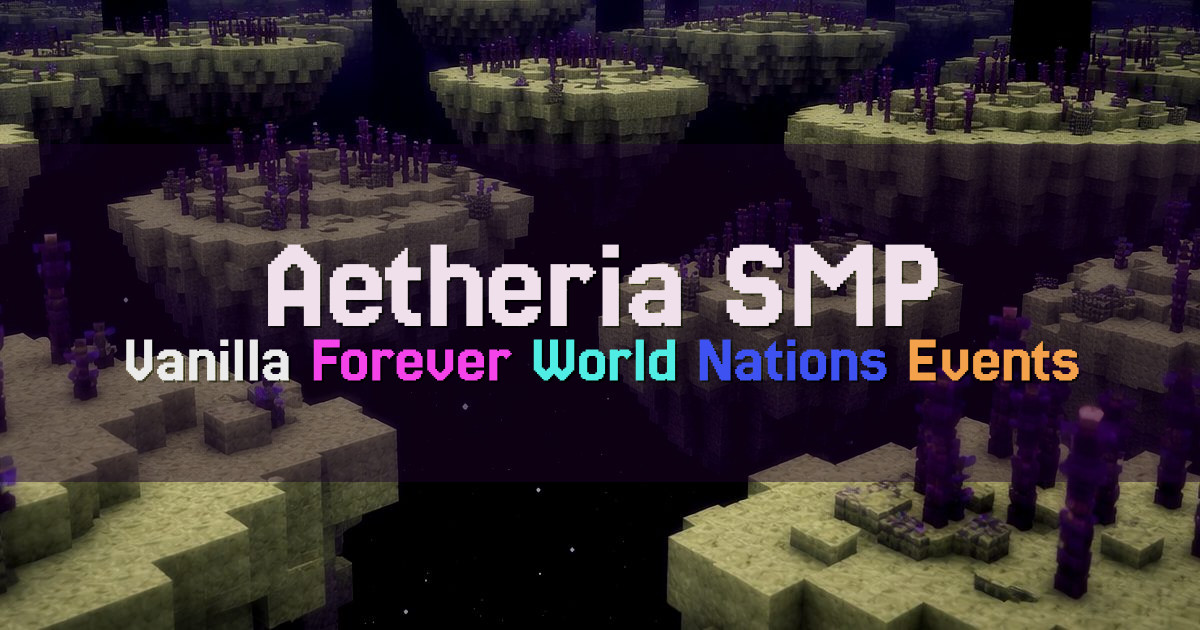 20/300OnlineAetheria is a vanilla-focused SMP for players who want to build, explore, and create long-term projects without dealing with toxic gameplay. Our rules are designed to protect players and their work: no griefing, no stealing, and no non-cons…
 -
6
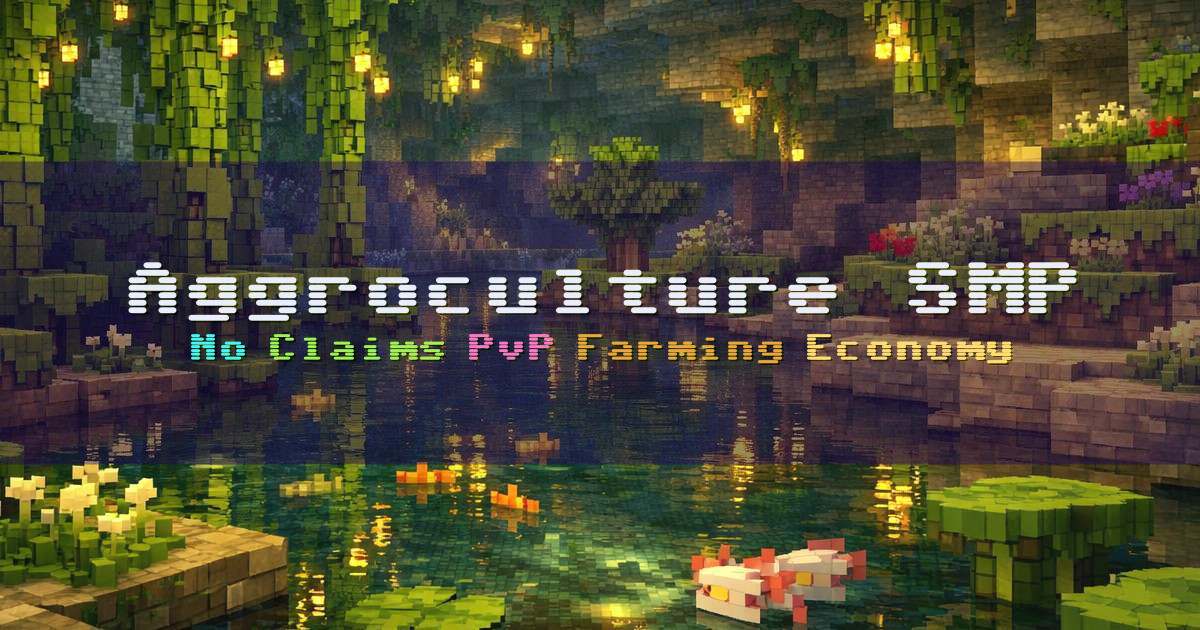 9/50OnlineWelcome to Aggroculture SMP, a semi vanilla survival server built for players who want real risk, real progression, and an economy that comes from the land. We focus on farming and PvP with a multi-crop, player-driven economy and skill-base…
 -
7
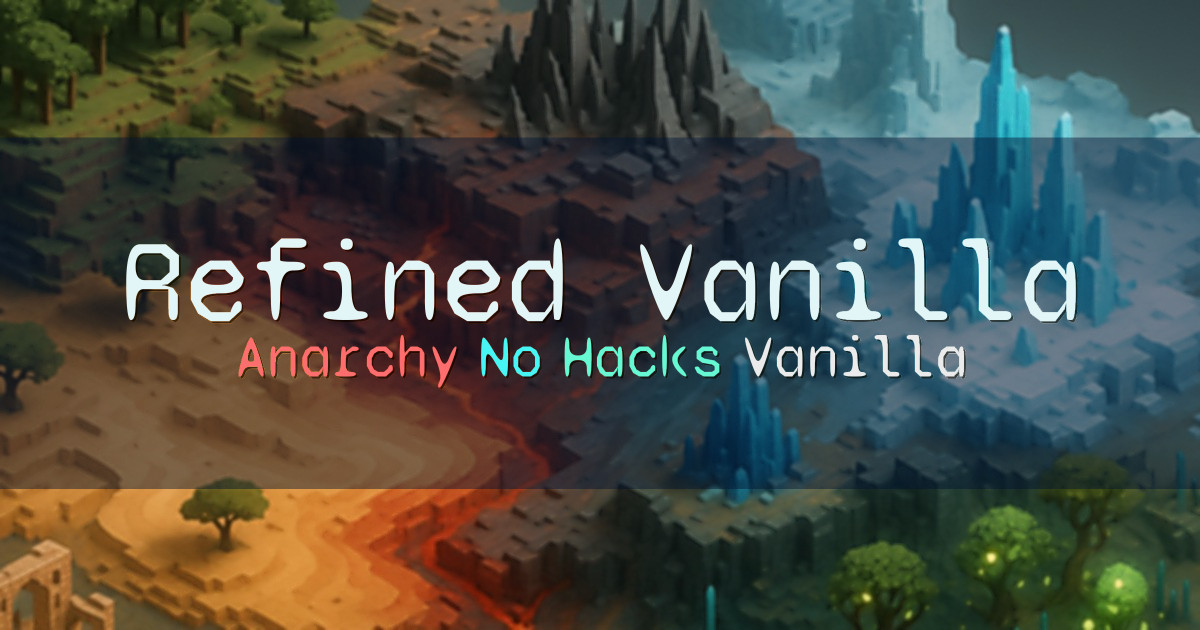 8/200OnlineRefined Vanilla is a true vanilla anarchy server with one clear rule: no hacked clients. Everything else is up to you, whether that means building, surviving, exploring, griefing, or tearing things down. We run Fabric server-side to preserv…
 -
8
 6/50OnlineDominion is a semi-vanilla Minecraft server for adult players who want a shared survival world focused on community, collaboration, and long-term play. We keep the experience close to vanilla, without land claims or big add-ons like skills…
 -
9
 2/400OnlineOzAnarchy is an Australian-hosted Minecraft server with two servers: a pure anarchy main server and a raid-based Towns server that’s still in development. Main is a fresh world that started 01/01/2026. There are no rules, no anticheat, no c…
 -
Welcome to AuroraCraft, a 1.21.X survival economy server built around creativity, fair-play, togetherness, and fun. We focus on maintaining a welcoming community with a laid-back atmosphere and a kind playerbase, whether you prefer building…