
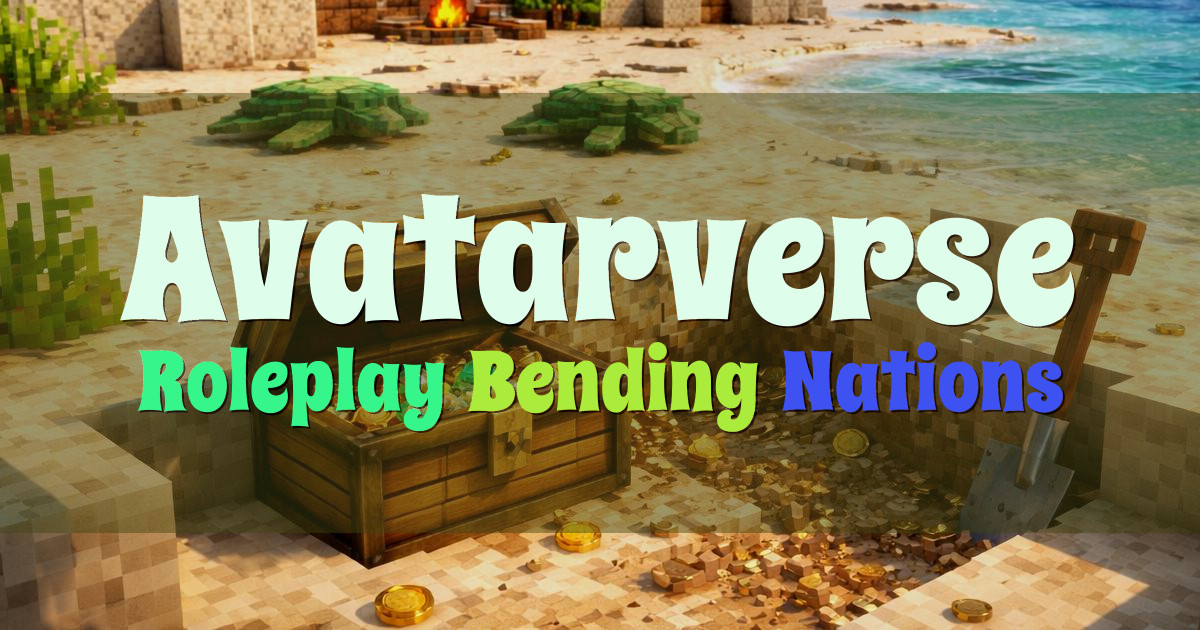
Avatarverse Avatar World Roleplay RPG
❂ The Avatarverse welcomes you… ❂
水 RPG 土 Bending 火 Nations 气
Welcome to Avatarverse, an open-world Minecraft roleplay server set in the world of Avatar: The Last Airbender and The Legend of Korra.
We’ve built a full, custom, large-scale recreation of the Avatar world, featuring locations from the shows and other canon content. Explore places like Ba Sing Se, Republic City, Kyoshi Island, and all five Air Temples, and make the world your own through your character.
Avatarverse is an RPG roleplay server where each player creates a character and chooses their own story. Roleplay is open-ended: learn to bend water, earth, fire, or air with many custom abilities, or play as a nonbender using unique weapons and chi blocking.
A major part of the server is player-run nations and politics. Canon nations are governed by players, with chances to join governments and militaries, take part in wars, and see borders change over time.
You’ll also find custom mobs inspired by the setting, including ridable sky bison and dragons.
We’ve built a full, custom, large-scale recreation of the Avatar world, featuring locations from the shows and other canon content. Explore places like Ba Sing Se, Republic City, Kyoshi Island, and all five Air Temples, and make the world your own through your character.
Avatarverse is an RPG roleplay server where each player creates a character and chooses their own story. Roleplay is open-ended: learn to bend water, earth, fire, or air with many custom abilities, or play as a nonbender using unique weapons and chi blocking.
A major part of the server is player-run nations and politics. Canon nations are governed by players, with chances to join governments and militaries, take part in wars, and see borders change over time.
You’ll also find custom mobs inspired by the setting, including ridable sky bison and dragons.
How to join
Copy the server address below, open Minecraft, then add it in your server list.
- Open Minecraft.
- Go to the servers or multiplayer screen.
- Add a server or use an option like Direct Connection or Add External Server.
- Paste this server address into the address field: play.avatarverse.net
- Save or confirm, then join the server.