Minewind is a survival server built around choosing your own path and hunting down powerful loot that fits your play style. Find a wide variety of gear in chests across the world, trade with villagers for emeralds, and take on dangerous mon…
Backups
Servers that run on solid backups make a clear promise: progress is recoverable. The point is not that nothing goes wrong, but that a griefed base, a bad update, a dupe incident, or a corrupted region file does not have to become a server-ending event. That safety net changes how people play. Players take on bigger builds, longer projects, and shared infrastructure because the world is not one accident away from being trashed.
Backups also set the tone for fairness. When something happens, staff can restore a specific area, a player inventory, or a short time window instead of resetting the whole world. Used well, it feels surgical: the damage gets undone without rewriting everyone elses day. Used poorly, it becomes blunt force, erasing legitimate mining runs, redstone tweaks, or market trades that happened after the snapshot.
This format is calmer during maintenance because there is a known recovery path. The tradeoff is that the world has a rewind button, and sometimes you feel it. If you want high-stakes, no-undo survival, backups can feel less sharp. If you want persistence where big work is worth starting, they make the server feel stable instead of fragile.
What can staff usually restore with backups?
Most servers can restore world region data and player data like inventories, ender chests, and locations, depending on what gets captured. Some can do more precise block-level restores using logs, but that is tooling-dependent.
How do rollbacks work without wiping the whole server?
The common approach is targeted restoration: affected chunks, a specific claim, or a defined time window around the incident. Good staff will state what area and timeframe are being reverted so players know what might be overwritten.
Can a rollback erase my legitimate progress?
Yes, if your work happened after the backup point and inside the restored area. Well-run servers avoid broad rollbacks and try to keep restores limited to the damage zone to reduce collateral loss.
Do backups prevent griefing, dupes, or exploits?
No. They limit the aftermath. Prevention still comes from permissions, anti-grief tools, patching, and moderation.
What are signs a server handles backups well?
Targeted restores instead of blanket resets, clear communication about the rollback window, and a track record of resolving incidents without turning every conflict into an admin rewrite of history.
-
-
2
 34/1000OnlineWelcome to Silvermons, a non pay-to-win friendly community server network with both Pixelmon and Cobblemon. Both servers have a custom level cap and a rank progression system built around our exclusive Gyms and Elite 4. The Pixelmon server…
 -
MoneyMC is an OP Gens server built for players who enjoy steady progression and a strong economy. Grind your way up through custom skill trees, dungeon grinding, satisfying farming, auto-sell, leaderboards, payouts, and prestige as you push…
-
MenaceMC is a community-driven Survival server built around one simple principle: absolutely no pay to win. Progress is earned through play, whether you enjoy building farms, mastering competitive vanilla PvP, fishing for rare rewards, grin…
-
5
 12/200OnlineKriptonPVP es una Network de Minecraft donde la calidad está presente desde el primer momento que te conectes al servidor. Entre todo el staff tratamos de solucionar en el menor tiempo posible los problemas que van surgiendo, además de añad…
 -
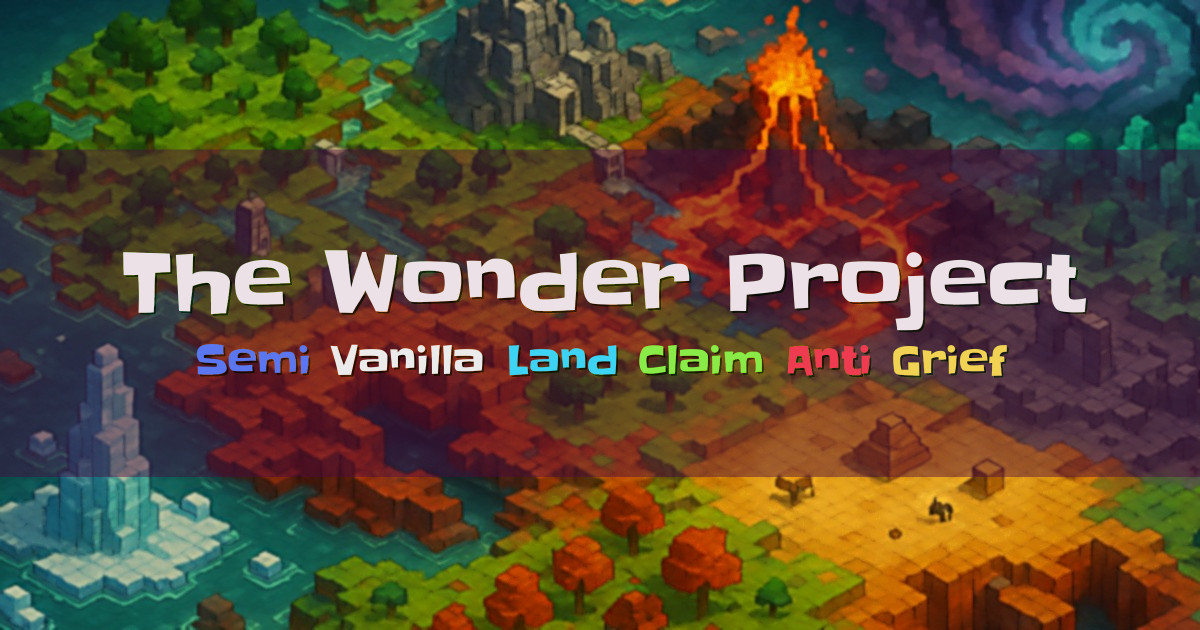
Welcome to The Wonder Project, a semi-vanilla Minecraft server built for fun, friendship, and creativity. We keep the experience close to classic Minecraft, with a few helpful tweaks to make day-to-day play smoother. Land claiming and anti-…
-
Join survival.rocks SMP for a special Easter Scavenger Hunt. After completing the short entry quiz, use /event to take part in a 30-minute race to collect as many hidden eggs as possible. There are 420 eggs placed in item frames across the…
-
Welcome to The Mushroom Co. Survival, a friendly small survival server run by a close knit community of helpful players and staff. Our goal is to provide a great server experience while supporting different Minecraft play styles. We run Fac…
-
9
 3/250OnlineWelcome to PureVanilla, a survival multiplayer server built for players who want Minecraft to feel the way it was meant to be played. Our main experience is a fully vanilla survival mode with no teleports, no ranks, and no vote rewards. We…
 -
Welcome to Alluminus, a long-running survival server built around fairness, stability, and keeping Minecraft feeling like Minecraft. Founded in 2013 and maintained by long-time admins, the server is designed for friendly community play, lig…
-
skyblock.tj is a classic vanilla Skyblock server focused on the original challenge of surviving with almost nothing and progressing through knowledge of Minecraft’s mechanics. You begin on a small traditional island with classic Skyblock it…