Minewind is a survival server built around choosing your own path and hunting down powerful loot that fits your play style. Find a wide variety of gear in chests across the world, trade with villagers for emeralds, and take on dangerous mon…
CurseForge
A CurseForge server is a modded Minecraft server where the modpack is the contract. You are not joining with a lightly tweaked client. You install the same pack through CurseForge (or an importer), launch that exact profile, and connect with the expectation that everyone is on identical mods, configs, and versions. That shared baseline is why these servers can feel surprisingly consistent, even when the game is nothing like vanilla.
The core loop comes from the pack design: guided progression with quests and gated recipes, tech and magic systems that unlock in stages, and worldgen that makes exploration and bossing a real track instead of a side activity. You still build, mine, and expand, but pacing is set by unlocks, resource chains, and infrastructure rather than pure self-direction.
Multiplayer leans into coordination. People rally around milestones like early ore processing, reliable power, storage networks, or a first big dungeon run for specific drops. Bases turn into workshops and factories with farms, routing, and chunkloaded production lines. Because mods add so many useful jobs, specialization shows up fast: one player runs food and farms, another handles materials and smelting, someone else pushes progression, and the server starts to feel like a shared project.
Joining is easy and unforgiving. If your pack version is off, you usually cannot connect, so healthy communities are disciplined about updates and allowed client tweaks. When the server is tuned well, it is the cleanest way to play modded with a group. When it is not, you notice it in TPS drops from runaway automation, unchecked chunk loaders, or a pack that was never configured for a long-lived multiplayer world.
Do I need the CurseForge app to play on a CurseForge server?
No, but you do need the exact modpack and version the server runs, including the right loader (Forge, Fabric, or NeoForge) and the pack configs. The CurseForge app is just the most common way to install it without missing dependencies. Other launchers work fine if they import the pack correctly.
Why am I getting kicked for a mod or config mismatch?
Most modded servers enforce an identical mod list and often matching configs. A different pack version, a missing dependency, or even an extra mod can trip the check. The practical fix is to use a fresh profile on the server's exact pack release and only add extras if the server explicitly allows them.
How does gameplay compare to a vanilla SMP?
Expect longer progression, more systems, and more reasons to cooperate. Instead of rushing to endgame gear, you are usually working toward power, automation, storage, and gated content. It feels less like an open-ended survival sandbox and more like a shared world shaped by the pack's progression.
Are these servers harder on performance?
Usually, yes. Modpacks add heavy worldgen, more blocks and entities, and automation that can keep running when players log off. Well-run servers set limits on chunkloading, keep farms and factories in check, and tune configs. Poorly run ones try to play it like vanilla and get punished.
How do modpack updates work on a server?
Most communities update in planned steps. Even small pack changes can affect recipes, configs, or worldgen, so servers tend to announce a version, stick to it for a while, then move together. When the server updates, you update your client to the same pack release before you can rejoin.
-
-
Welcome to BanjoSMP, a brand-new long-term Survival Factions server where your progress is built to last. We do not do world resets, so what you build and earn actually matters over time. The server is designed for both builders and fighter…
-
3
 20/120OnlineFriendlySMP is a small classic SMP focused on survival gameplay on the latest Minecraft version, with crossplay support for both Java and Bedrock players. We keep things simple and fair: griefing and stealing are not allowed, and PvP is opt…
 -
4
 9/10OnlineBack 2 Basics is a Java vanilla survival server built around a relaxed environment, a friendly staff team, and regular community events. Build what you want and play at your own pace, with a simple chunk-based claim system to help keep your…
 -
5
 5/100OnlineCobblemon Vulkan is a Cobblemon survival server focused on competitive battling, with progression and activities built around your Pokédex. We run a curated modpack and include features like Dex ranks, Dex rewards, quests, and a unique curr…
 -
6
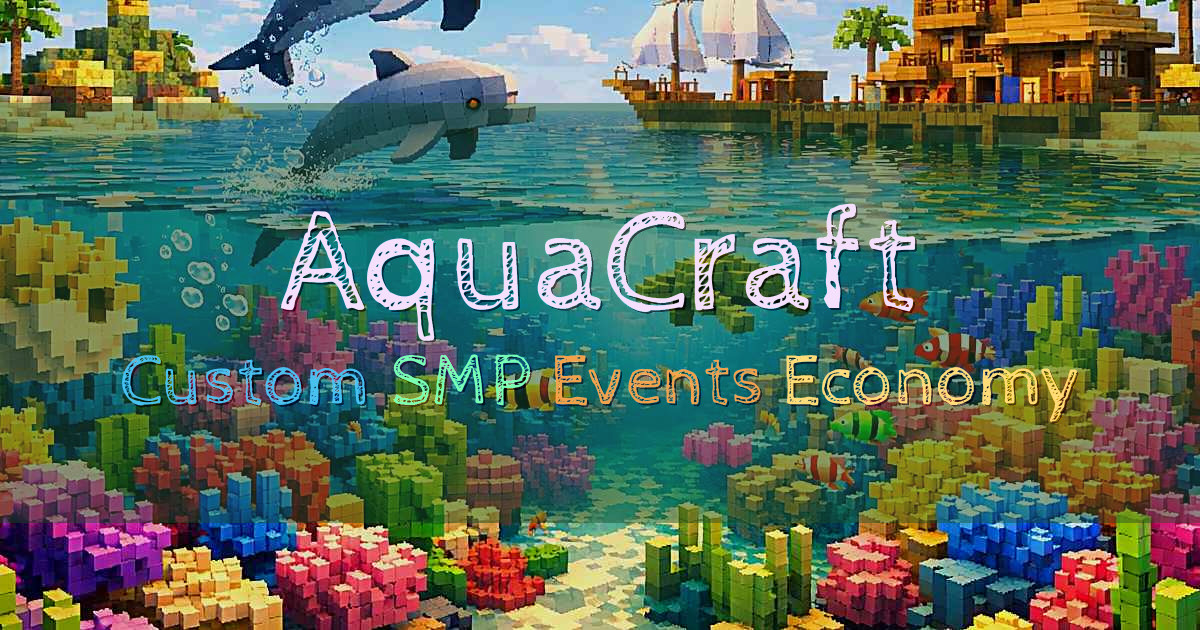 5/1000OnlineWelcome to AquaCraft, a custom SMP adventure built for players who want more depth than a basic survival server while keeping the core survival feel. We expand the vanilla experience with custom biomes across all worlds, powerful custom enc…
 -
7
 3/50OnlineMetaUnion is a Minecraft network built around a friendly, helpful community and a mature, open-minded atmosphere. We keep things fair with an anti pay to win approach: donations only provide an in-game rank with no gameplay advantages. Our…
 -
8
 2/250OnlineAussieSMP is a Sydney-hosted Australian survival server built for a small, friendly community. We run a whitelisted, application-based setup to help keep the culture healthy and to make sure players can feel confident their builds will be r…
 -
9
 2/690OnlineWelcome to The Playhouse, a server built to give you variety without losing that close community feel. Jump into Medieval Survival, build without boundaries in our borderless Creative world with no plot limits, or take on Fallout Factions…
 -
10
 1/42069OnlineLumiverse is a small modded Minecraft 1.20.1 server built around a mix of nostalgic favorites and modern staples. Our modpack includes MCA: Reborn, Mo Creatures: Nostalgia Edition, Tinkers Construct, Pam’s HarvestCraft, Genetic Animals, plu…