Minewind Anarchy
Minewind is an open-ended survival world where we leave your adventure largely in your hands.
204 players online

Browse Minecraft servers related to Custom Menus.
Custom menus are servers where most interaction runs through clickable GUIs instead of you memorizing commands. You open a menu from a compass, an NPC, a hotbar item, or /menu, and you get a clean set of panels for warps, kits, shops, quests, crate info, and settings without living in chat.
The loop is straightforward: play, then dip into menus to handle progression. You sell drops, buy supplies, upgrade gear, claim dailies, join a queue, or start a mission by clicking icons in an inventory-style interface. The good ones feel quick and consistent, with obvious categories, reliable back and home buttons, and confirm screens on expensive actions so a misclick does not burn your money.
How it feels depends on discipline. On a well-run server, menus remove friction: new players find the right world fast, veterans run their routine in seconds, and common tasks like invites, warps, and shop transactions stay a couple clicks away. On rougher setups, the same system becomes a maze of nested pages and decorative icons that slow everything down.
When you are picking a server built around custom menus, the best signal is day-to-day usability: can you reach the important warps quickly, do tooltips clearly show prices and requirements, and do menus stay responsive at peak times. When the UI is tight, the server feels polished because your time goes into playing, not wrestling with navigation.
Most commonly: warp and world selection, buy and sell shops, kits, quests and dailies, rank perks, crate previews, cosmetics, and toggle settings. Many servers also put parties, guilds, and matchmaking queues into menus.
No. Most custom menus are standard inventory GUIs that work on a vanilla client. A resource pack can reskin icons and make it look cleaner, but the interaction is still clicking items in a chest-style menu.
They can. If you can sell, buy, and claim rewards from anywhere, the grind gets more efficient and progression speeds up. Some servers offset that with cooldowns, confirmations, or requiring you to be in a specific area to use certain menus.
Clear navigation, consistent naming, tooltips that state costs and requirements, and confirmation prompts for irreversible clicks. If menus lag, close randomly, or freeze during busy moments, that usually points to performance strain or messy plugin setup.
Usually not for the basics. Commands are often optional shortcuts, but core actions like warps, shops, claims, and quests are meant to be reachable through the GUI.
Minewind is an open-ended survival world where we leave your adventure largely in your hands.
Welcome to Project Zen, our tranquil Cobblemon survival server for players who want room to explore and progress at an easygoing pace.
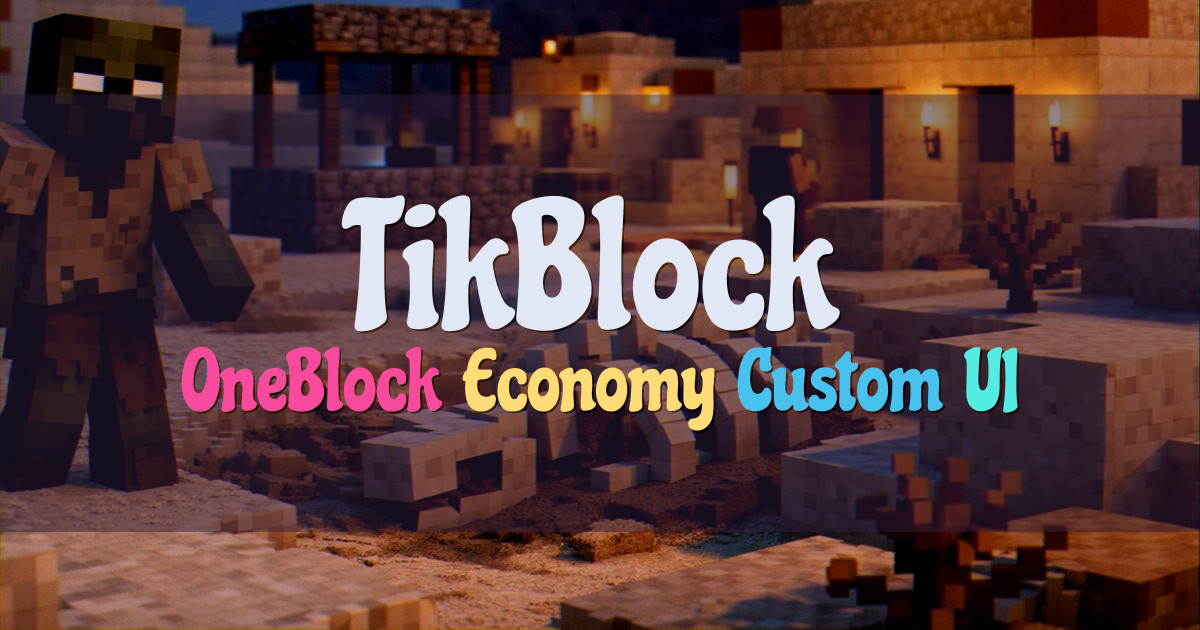
TikBlock is our take on a next-gen OneBlock experience, built around an advanced phase system that lets you progress at a steady…
Welcome to Zedwa SMP, where we bring custom Earth survival together with a player economy and a friendly community.