Minewind is a survival server built around choosing your own path and hunting down powerful loot that fits your play style. Find a wide variety of gear in chests across the world, trade with villagers for emeralds, and take on dangerous mon…
Spawn hub
A spawn hub is the lobby world you land in first, built to route players into the rest of a network. Instead of spawning straight into Survival, you appear in a safe, curated space and choose where to go next through portals, NPCs, selectors, or quick commands. It is the front door and the switchboard, not where you progress your economy or grind resources.
Good hubs remove friction. You can find the right mode fast, party up, check rules, grab daily rewards, and get support without worrying about PvP, griefing, or a messy spawn. Most hubs lock block breaking and combat, keep the build pristine, and standardize settings so every player sees the same clean entry point.
The hub feels busy and social. Chat scrolls, cosmetics pop, and groups form between queues. The main benefit is momentum: you can jump between activities, regroup with friends, or reset your direction in seconds while each mode keeps its own progression separate.
What do you actually do in a spawn hub?
Pick your destination, then move. Use portals or NPCs to join a mode, open a server selector, invite friends to a party, claim rewards, and handle quick setup like account links or basic settings. Once you are sorted, you leave the hub.
Is the hub part of Survival, or a separate world?
Usually separate. Survival has its own spawn and progression, while the hub is protected and designed to stay identical for everyone. Smaller servers sometimes merge the idea, but networks tend to keep the hub isolated from gameplay economies.
Do hubs allow PvP or building?
Most hubs are no-PvP and no-build. Interaction is typically limited to menus, NPCs, cosmetics, and utility items. If building exists, it is usually confined to plots or a dedicated creative area, not the hub itself.
How do I get back to the hub from a game mode?
Try /hub or /lobby, then look for a lobby item in your hotbar or a menu button. If a network renames commands, /help or the sidebar usually points to the right one.
Why do some hubs feel crowded or laggy?
They concentrate players in one place, along with pets, particles, and cosmetic effects. That stacks entities and client rendering load. Many servers offer player-visibility toggles or limit particles, but the hub is still the busiest world by design.
-
-
2
 50/1000OnlineTavern is a survival server where both PvP and PvE players can thrive. Level up your skills with McMMO-style progression, battle epic bosses, conquer dungeons, and collect custom items with powerful abilities. Jump into server-wide events a…
 -
8b8t.me is a no-rules anarchy PvP Minecraft server where hacks and anything else are allowed. Supports Java clients from 1.7.x to 1.21.x (recommended 1.21.10), with support for both 1.21.10 and 1.12.2 gameplay. Expect survival-focused anarc…
-
4
 20/100OnlineWelcome to Hometown, a simple, well-made Survival SMP built around a community-first experience. Our spawn is unique while still being easy to navigate, so you can settle in quickly and start playing. We believe multiplayer is best when you…
 -
VentureLand is a completely unique RPG experience built entirely in Minecraft, set in a large hand-built open world designed for adventure and progression. Choose from 8 different classes, each with its own abilities and playstyle, and buil…
-
6
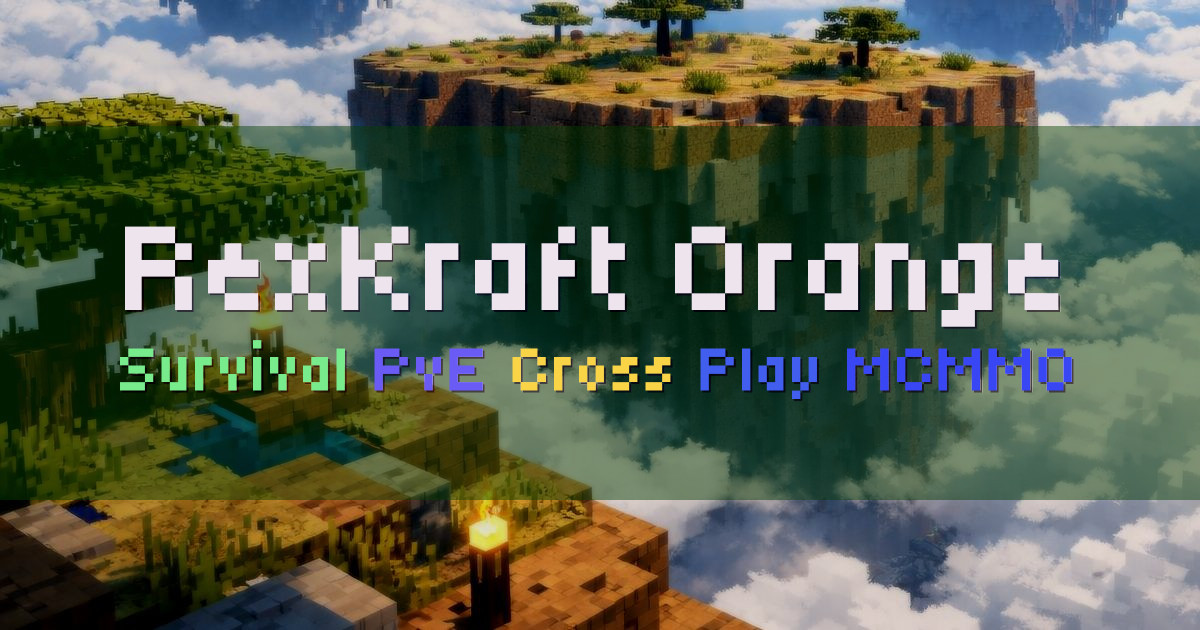 14/100OnlineRexKraft Orange is a friendly Survival PvE server focused on community and a fresh-start experience. Meet new people and make friends while you play in an economy-based survival world with MCMMO progression and cross-play support for both J…
 -
Firestarter is a simple, cozy, and relaxing community SMP. Whether you want to play with friends or jump in on community projects, we aim to offer a welcoming place to enjoy Minecraft at your own pace. We run a player-driven economy with…
-
2 Paws 1 Job is a furry anarchy survival world. There are no rules, no claims, and no protections. Duping is allowed, and griefing and PvP are encouraged. We do not reset the map. Every crater, ruin, and cobble box stays as…
-
3b3tpe is a survival anarchy server for players who want a free for all, no rules environment that stays as close to vanilla as possible. There are no bans, and PvP is always enabled. There are no homes or TPA, and nothing…
-
We run a brand new vanilla-style Survival server on Fabric, focused on keeping Minecraft mechanics feeling right. Redstone and farms behave the way experienced players expect, so you can build reliable systems without fighting unusual chang…